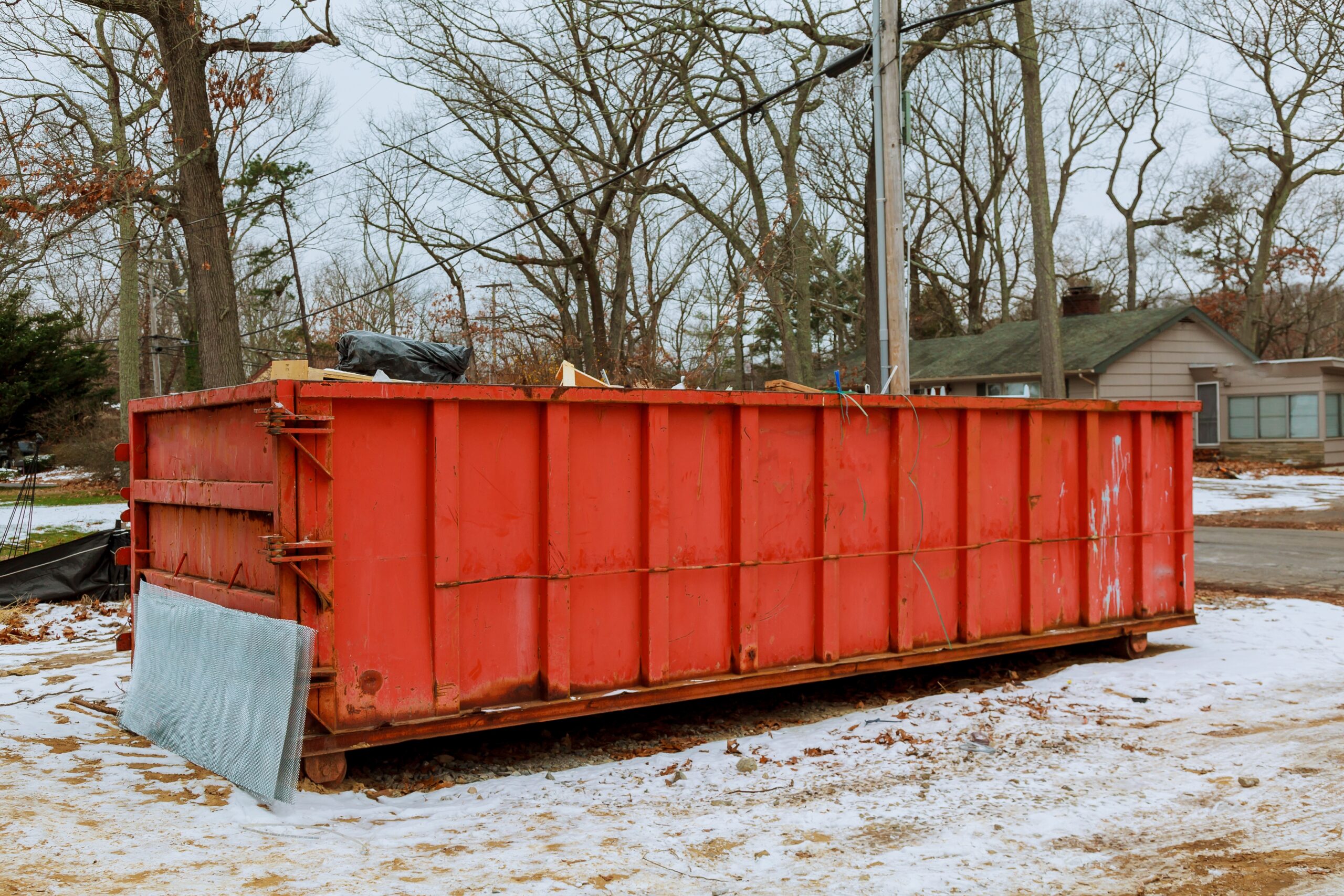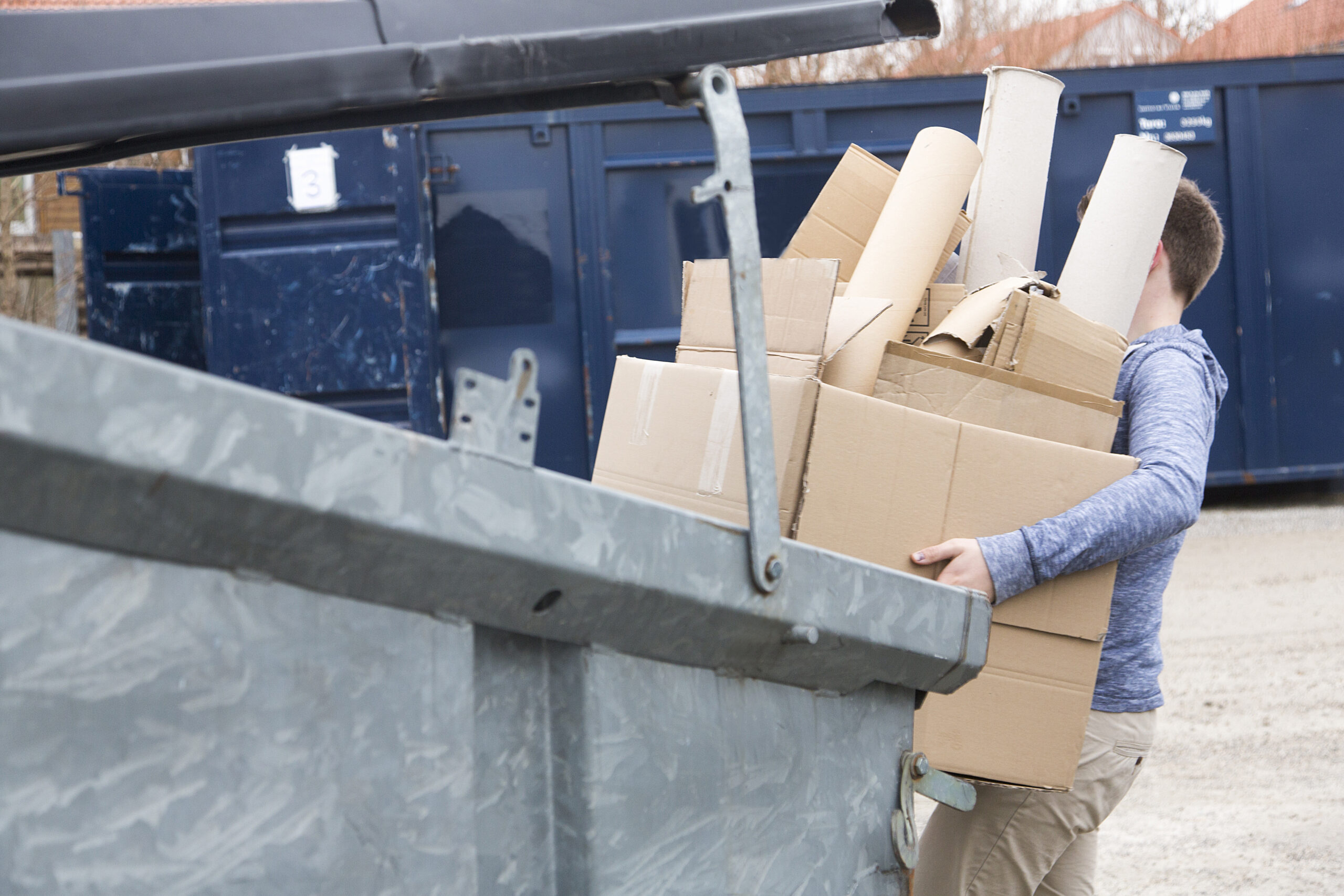
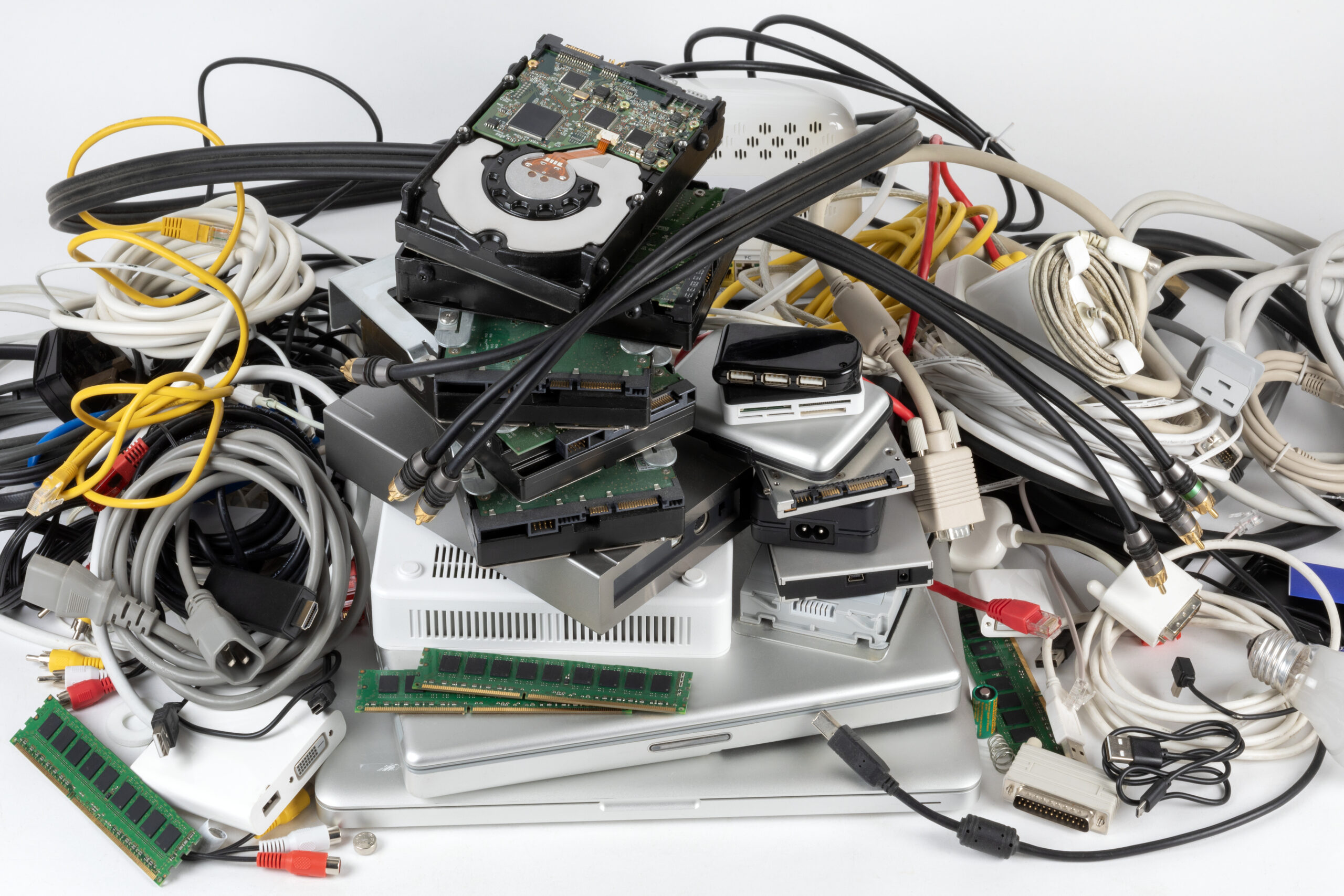
Clearing out a basement, office, or garage almost always turns up a stack of dead electronics: a tower that will not boot, a monitor nobody wants, a drawer full of chargers and cables. The good news is that electronics are on the accepted list for a 3D Solutions roll-off dumpster, so most of that pile can go straight in with the rest of your cleanout. To see the full accepted and prohibited list, or to reserve a container for your project, start with our roll-off dumpster booking page.
There is one catch worth knowing before you start tossing things in. Batteries are not allowed, a few items carry a surcharge, and some devices are better sent to a recycler than buried in a landfill. This guide walks through what to pull out first, what to flag when you book, and when a recycling route makes more sense. We are based in Denver, Iowa, run our trucks out of a Waterloo yard, and serve homeowners and contractors across the Cedar Valley.
Can You Put Electronics in a Dumpster?
Yes. Electronics are on the accepted materials list for a 3D Solutions roll-off dumpster, right alongside household junk, furniture, construction debris, and mattresses. Desktop computers, laptops, printers, stereos, game consoles, and the cords that come with them can all go in the container.
The only electronics that need special handling are the ones with batteries and the handful of items that carry a surcharge, both covered below. Everything else is ordinary cleanout material. For the complete rundown of what a roll-off will and will not take, see our guide to what you can put in a rental dumpster. If you are weighing a container against a trip to the transfer station, a roll-off makes sense when you have a full room or project worth of material rather than a single device.
Pull the Batteries Out First
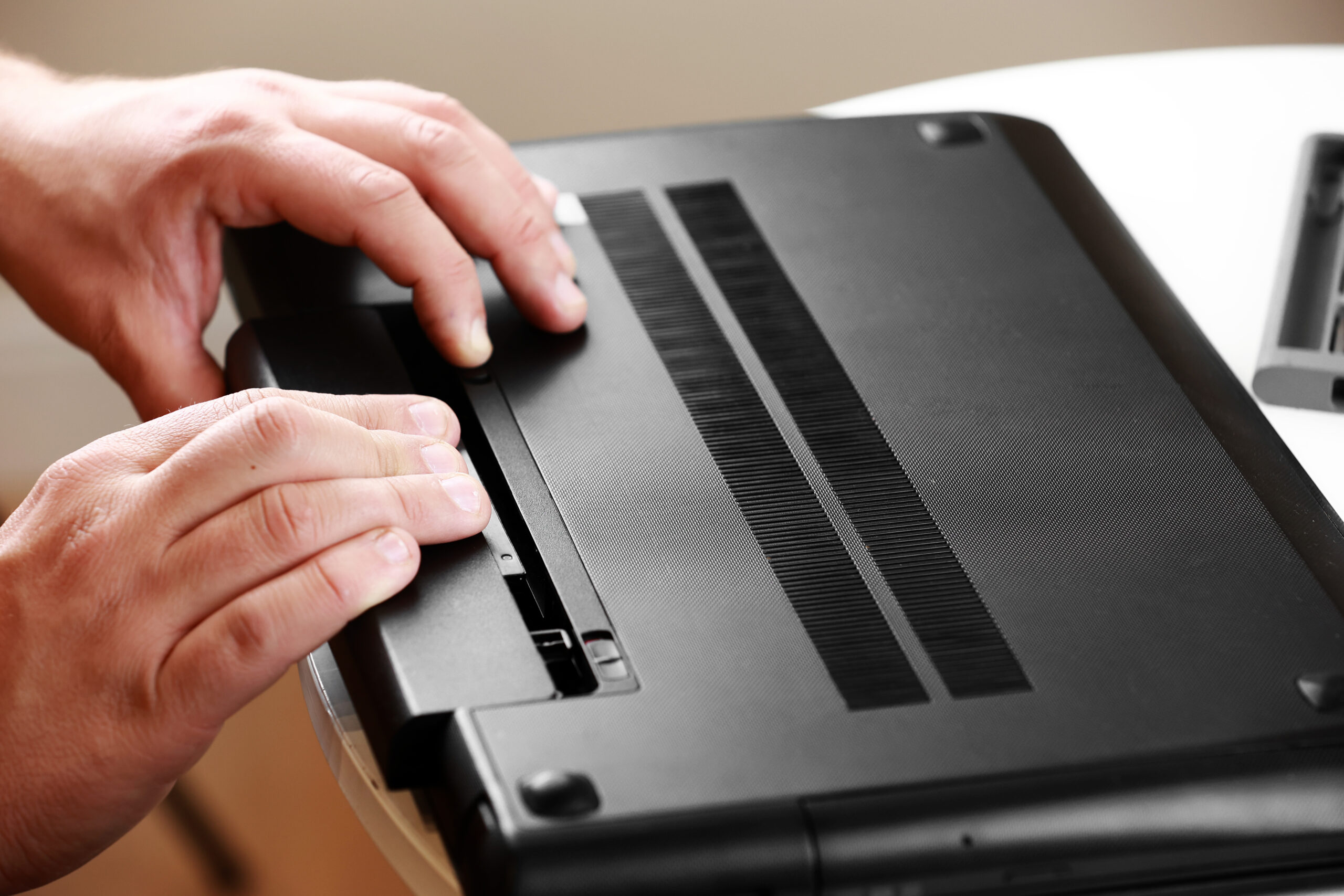
Remove every battery you can before anything goes in the dumpster. Batteries are prohibited as hazardous material, so loose batteries and any device with a removable pack need to come out and go to a proper drop-off instead.
Go through the pile and pull packs from laptops, remotes, cordless power tools, and anything else that opens up. The laptop or the bare power tool body can still go in the container once the pack is out. Batteries belong in a hazardous-waste stream along with chemicals, paint, and tires, and our guide to household hazardous waste disposal covers where those items actually go.
Some devices keep the battery sealed inside, including most phones, most tablets, and a number of newer laptops. We do not publish a firm rule for sealed-battery devices, so the safe move is to ask us when you book or send those items to an electronics recycling drop-off.
Light Fixtures, LED Bulbs, and the $75 Surcharge
Light fixtures and LED bulbs each carry a $75 per-item surcharge, the same surcharge that applies to appliances. If a fixture swap or a box of old bulbs is part of your cleanout, list those items when you book so your quote comes back accurate.
For other electronics we do not post a separate per-item charge, so the right habit is simply to tell us everything that is going in the container. That way nothing is a surprise on either side. If appliances are in the same load, our appliance disposal guide explains how that $75-per-item surcharge works and what counts.
TVs, Monitors, and Items to Ask About
Older tube-style TVs and monitors are worth a quick call before you load them. We do not publish a blanket rule for them, so confirm handling when you book rather than assuming an old CRT set goes in the same way a flat panel would.
The same “ask first” approach covers sealed-battery devices and anything you are unsure about. It takes one sentence at booking to clear it up, and it keeps your load from running into a problem at pickup. When in doubt, put it on the list and let us confirm.
Protect Your Data Before Anything Leaves the House
Wipe or physically remove the storage drive from any computer, laptop, or phone before it leaves your house. Old hard drives and phones can still hold personal files, saved logins, and photos, so clearing them is a simple step worth taking first.
Sign out of your accounts, run a factory reset where you can, and for a desktop or laptop you are scrapping, pulling the drive entirely is the surest option. None of this changes whether the device is accepted. It just protects you once the container is gone.
When Recycling Is the Better Route
Recycling is often the better route for working electronics, sealed-battery devices, and anything a manufacturer or retailer take-back program will accept. A dumpster is the right call for a large, mixed cleanout. A recycler or donation program is the better fit for items that still have life left or need special handling.
Recycling and take-back options vary by county and by retailer, so check what is available near you rather than assuming a single program covers everything. The EPA’s electronics donation and recycling page is a solid starting point for finding recyclers and take-back options, and it is worth confirming with your county solid-waste authority or a local retailer, since those programs and drop-off dates change.
Local note: Electronics recycling events and drop-off sites differ from one Cedar Valley county to the next. Confirm the current program with your county authority before you make a special trip.
Loading Electronics With the Rest of a Cleanout
Electronics can share the container with furniture, construction debris, and general junk, so there is no need to sort them into their own load. Load everything by hand, not with machinery, and keep an eye on weight, since a heavy load can run into overage charges.
Our 20-yard roll-off starts at a flat $335, measures 22 by 8 by 4 feet, and holds up to 8 pickup truck loads. The 30-yard starts at a flat $355, measures 22 by 8 by 6 feet, and holds up to 12 pickup truck loads. Both include 14 days, and any weight beyond what the flat rate covers is billed at $43 per ton after the truck is weighed at the landfill. Electronics are rarely the heavy part of a cleanout; construction debris and shingles are what drive weight. Plan a placement spot at least 15 feet long by 10 feet wide on a surface that can bear the load, and we set protective boards under the container.
| Item | Into the dumpster? | Before you load |
|---|---|---|
| Desktop computer | Yes | Wipe or remove the drive |
| Laptop | Yes | Remove the battery pack, wipe the drive |
| Phone or tablet | Confirm at booking | Back up and wipe; sealed battery, so ask first |
| TV or monitor | Confirm for older tube models | Ask at booking before loading a CRT |
| Printer, stereo, or game console | Yes | Remove any batteries, wipe console storage |
| Cords and cables | Yes | Bundle loosely so they do not scatter |
| Power tools | Yes, tool body only | Remove the battery pack first |
| Loose batteries | No | Take to a hazardous-waste or battery drop-off |
| LED bulbs | Yes, $75 each | List at booking |
| Light fixtures | Yes, $75 each | List at booking |
Key Takeaways
- Pull every removable battery pack from laptops, remotes, and power tools before loading. Loose batteries go to a hazardous-waste drop-off, never the dumpster.
- Flag older tube TVs and monitors, plus any sealed-battery phones or tablets, when you book so handling is confirmed up front.
- Wipe or pull the storage drive from any computer or phone before disposal to protect your data.
- Electronics can ride along with furniture and construction debris in the same roll-off, with no separate load required.
- Working or special-handling items are often better sent to a recycler or take-back program than to a landfill.
Electronics Disposal FAQs
Can old printers and cables go in the same dumpster as furniture?
Yes. Printers, cables, and furniture can all go in the same roll-off container. Bundling or bagging loose cables keeps them from scattering across the load, but that is for convenience, not a requirement.
What happens if a battery ends up in the load?
Batteries are prohibited, so one that turns up has to come out before the container can be hauled. A load the truck cannot take may have to be emptied, which can mean extra charges, so pull every battery before loading.
Do I need to be home when the dumpster is delivered?
No. You do not need to be present at delivery as long as the placement area is clear and you have given us instructions on where the container should go. A spot at least 15 feet long by 10 feet wide works best.
How long can I keep the dumpster for an electronics cleanout?
Every rental includes 14 days. If you need longer, you can extend, and the daily rate depends on size: $5 per day for the 20-yard and $15 per day for the 30-yard. Let us know before the included period ends.
What if the dumpster fills up before I am finished?
We offer swap-outs during your rental if a container fills before you are done. Reach out and we can arrange an empty one so the cleanout keeps moving.
How quickly can I get a dumpster delivered in the Cedar Valley?
Delivery typically takes 24 to 48 hours, and same-day service is sometimes available depending on your location and current demand. Our delivery window runs from 8:00 AM to 8:00 PM.
Ready to clear out the old electronics along with everything else? Tell us what is going in and we will help you pick the right size and get a container scheduled. Reach the team through our contact page, or call (319) 406-0043.